
Read your notifications
Open the bell to read news from Pickleball Journal and act on it.
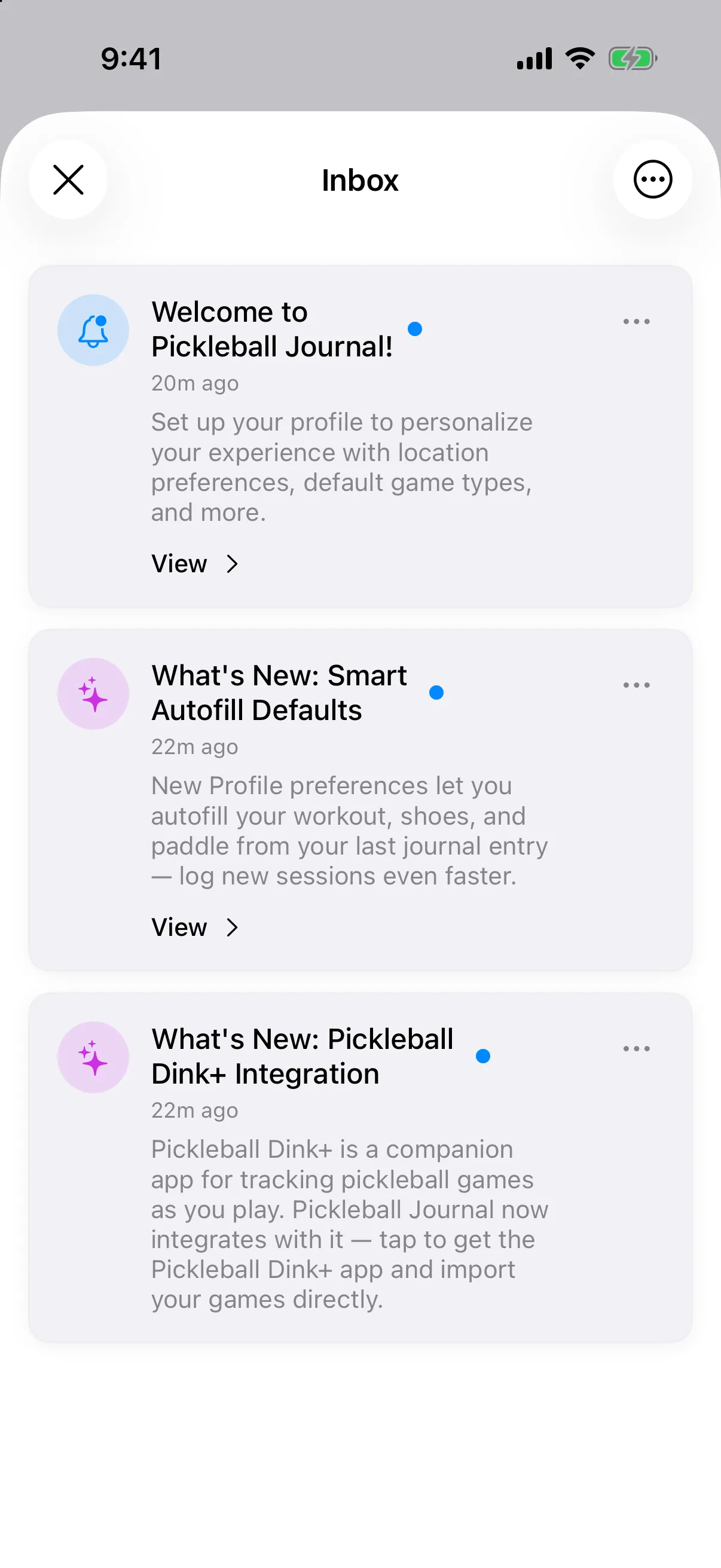
The bell at the top right is your inbox for tips and news about new features. It is inside the app, not a phone alert.
A dot or badge on the bell means you have unread messages.
Open the inbox
Section titled “Open the inbox”-
Tap the bell at the top right of the Journal.
-
Tap a message to read it and mark it as read.
-
If a message shows View, tap the message to jump to the related screen. On Android, a message with an Open button opens a web page.
When there is nothing new, you will see No notifications and “You’re all caught up!”
Mark all as read or delete
Section titled “Mark all as read or delete”- Tap the … button at the top right, then Mark all as read.
- Tap the … button on a message, then Delete.
- Tap the X to close the inbox.
- Tap the menu button at the top right, then Mark All as Read.
- Swipe a message left and tap the trash button to delete it.
- Tap Close to leave the inbox.