
Install and set up your profile
Install Pickleball Journal and set the profile details that shape your dates, units, and default game type.
Your profile sets your units, date and time formats, and the game type new games start with. You can change any of it later.
Open the app and start logging. Set up your profile whenever you like.
Set up your profile
Section titled “Set up your profile”- Tap the menu button (three lines), then Settings.
- Tap Profile.
- Under Personal Information, enter your First Name and Last Name.
- Under Preferences and Pickleball Defaults, choose your units, date and time formats, and default game type.
- Tap Save.
For what each setting does, see Set your profile and defaults.
Pickleball Journal on Android has no setup screens. Open the app and start logging. Set your profile when you want to.
Set up your profile
Section titled “Set up your profile”-
Open the menu, then tap Settings.
-
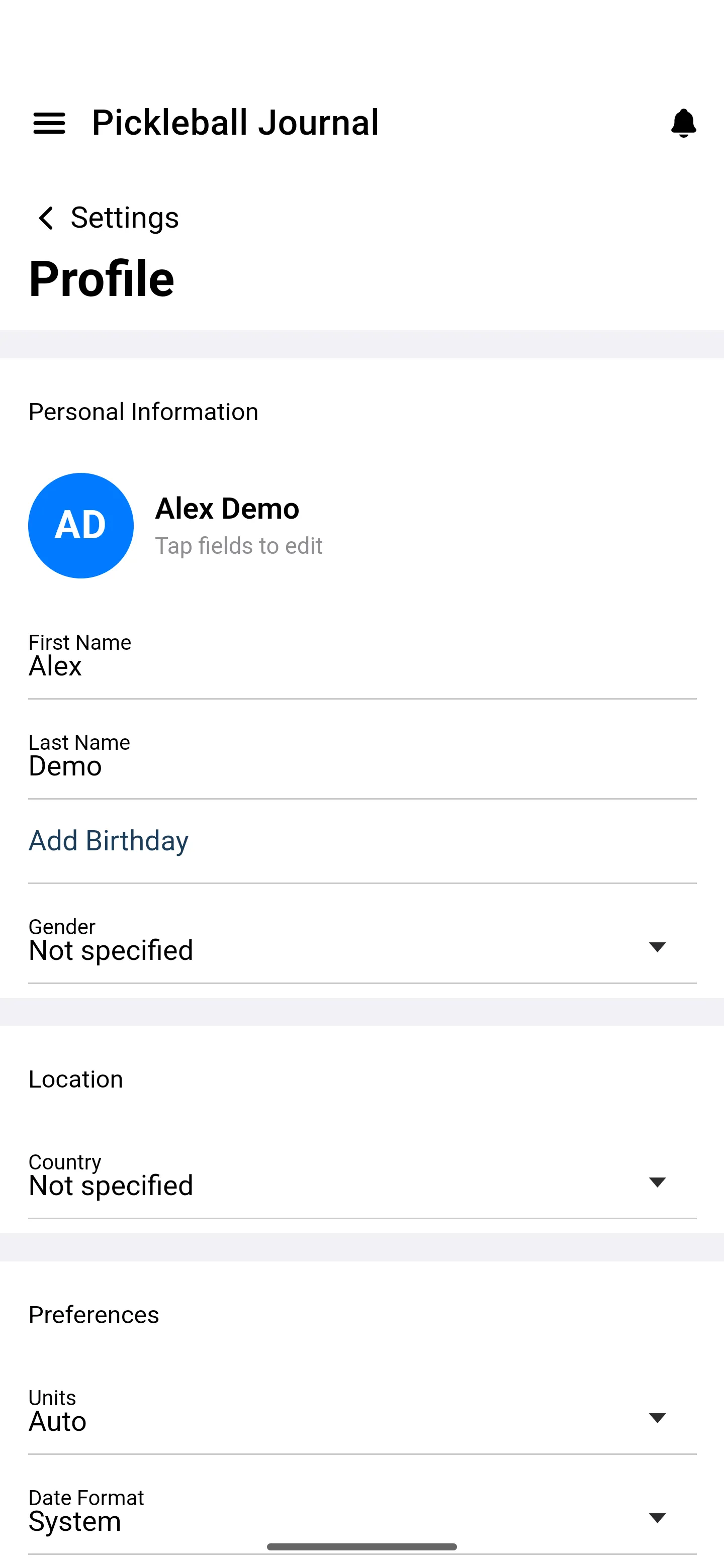
Tap Profile.
-
Fill in Personal Information, Location, Preferences, and your default game type, then tap Save.