
See your insights
Read short, plain-language takeaways about your partners, play, equipment and trends.
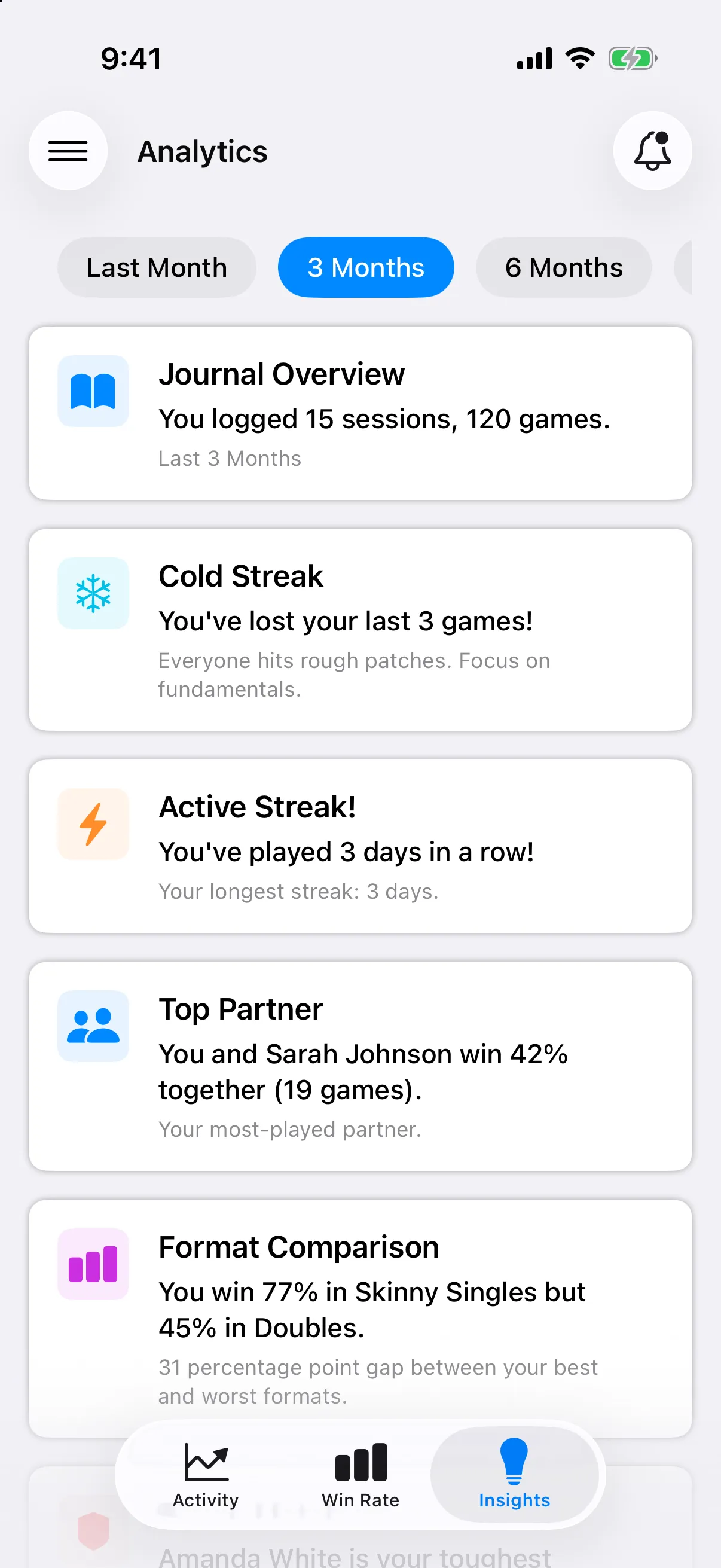
Insights reads your entries and writes a few takeaways for you, such as your best month or your most active day.
Open Insights
Section titled “Open Insights”-
Open the menu (☰), then Analytics.
-
Tap the Insights tab.
-
Pick a time period from the chips at the top.
What you might see
Section titled “What you might see”Cards appear only when your entries have enough to say. They can cover:
- Performance: a win rate trend, your best month, singles against doubles, and milestones.
- Partners and opponents: your top partner, a tough matchup, and who you play best with.
- Activity: your best day, streaks, play volume and your most active periods.
- Equipment: what you win most with.
- Your journal: words written, places you play, workouts, and spending.
If you see No Insights Yet, play and track more games. Cards fill in as you go.