Change the theme and accent color
Switch between light and dark mode and pick the accent color used across the app.
Choose how Pickleball Journal looks. Changes apply right away, with no Save button.
-
Open the menu and tap Settings, then Appearance.
-
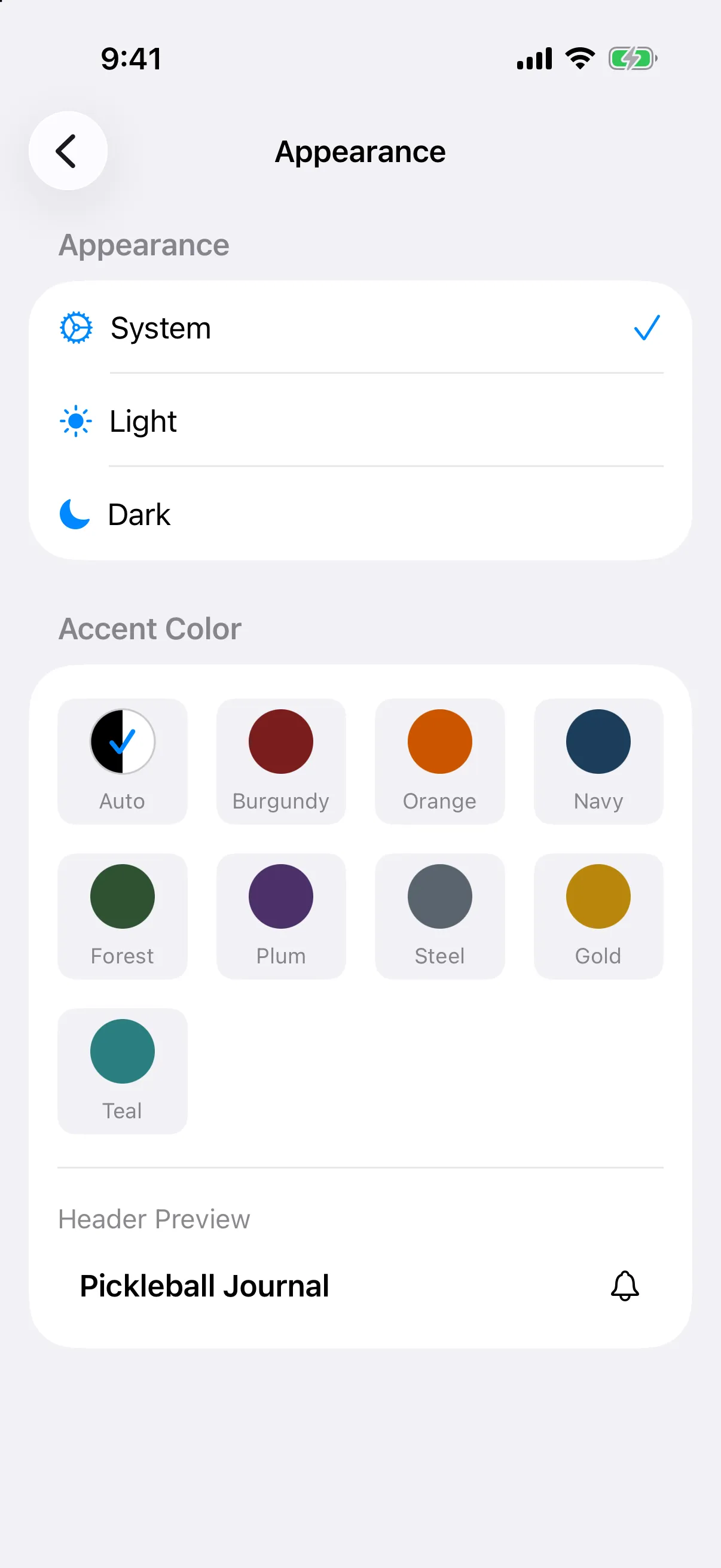
In the Appearance section, tap System, Light, or Dark. A check mark shows your choice.
-
Under Accent Color, tap a color: Auto, Burgundy, Orange, Navy, Forest, Plum, Steel, Gold, or Teal. Header Preview shows how the top bar will look.
System follows your iPhone’s setting. The accent color tints buttons, links, and the top bar. Auto keeps the top bar plain instead of colored.
-
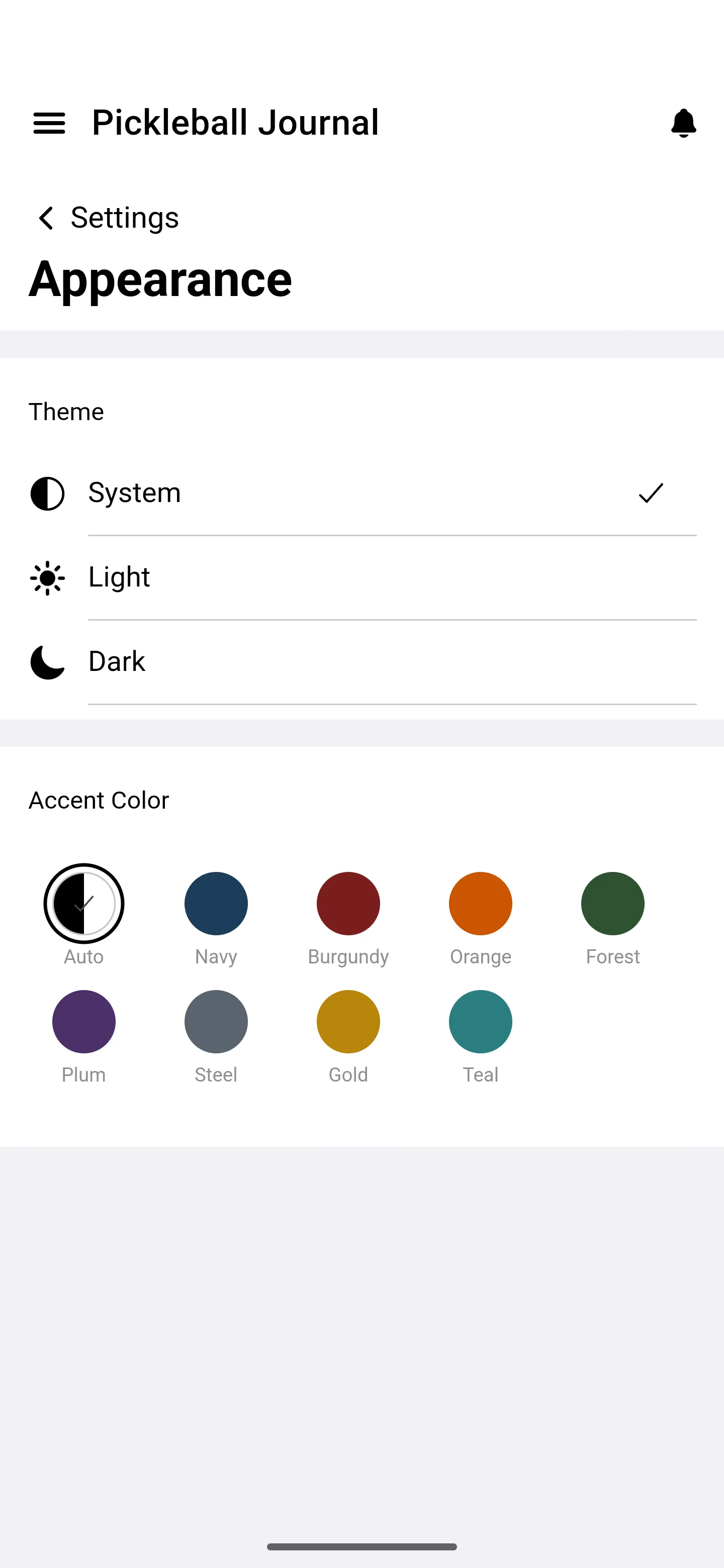
Open the menu, tap Settings, then Appearance.
-
Under Theme, tap System, Light, or Dark.
-
Under Accent Color, tap a color: Auto, Navy, Burgundy, Orange, Forest, Plum, Steel, Gold, or Teal.