
Answer the daily prompt
Start an entry from the question of the day when you don't know what to write.
The app shows one pickleball question a day, such as “Which shot did you execute better than usual today?” Answering it starts a journal entry with the question at the top.
Answer the prompt
Section titled “Answer the prompt”-
Tap the + button.
-
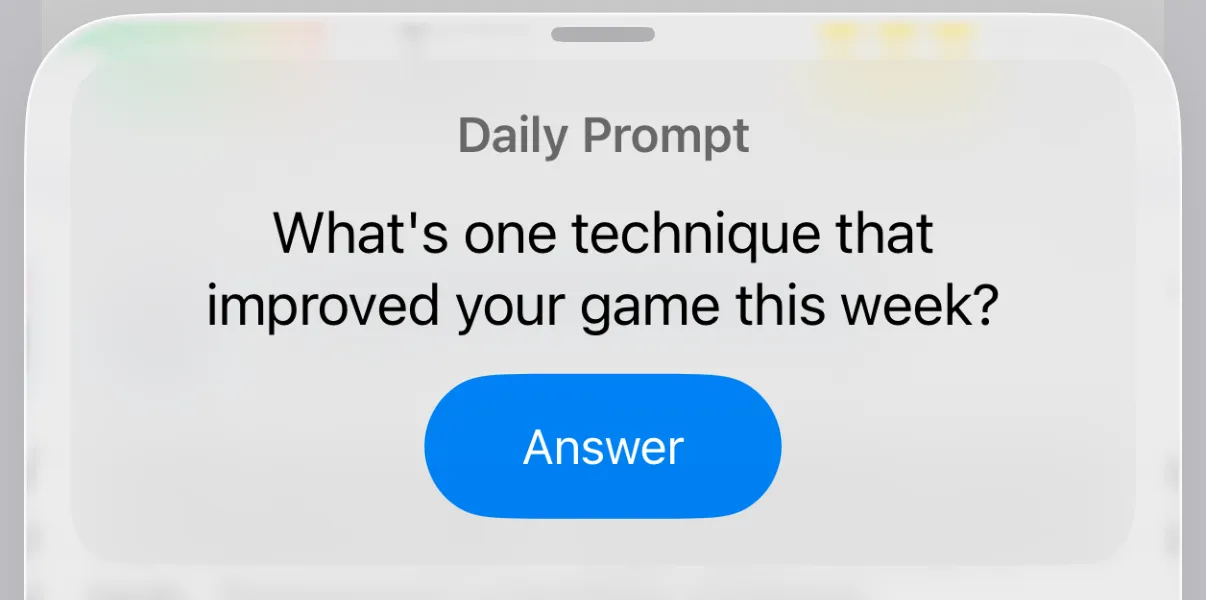
Under Daily Prompt, tap Answer.
-
Write your response in the box under the question.
-
Tap Save (✓ on iPhone).
The question stays with the entry, so you remember what you were answering.
If you already have an unfinished draft, the app asks Continue your draft? Tap Continue Draft to keep it and skip the prompt, or Start Fresh to discard the draft and answer the prompt.
The Daily Prompt card is at the top of the New Entry screen. Tap Answer on it.