
Read the heat map
Understand what the colors on your activity calendar mean.
The heat map on the Activity tab shows each day as a square. The darker the green, the bigger the day.
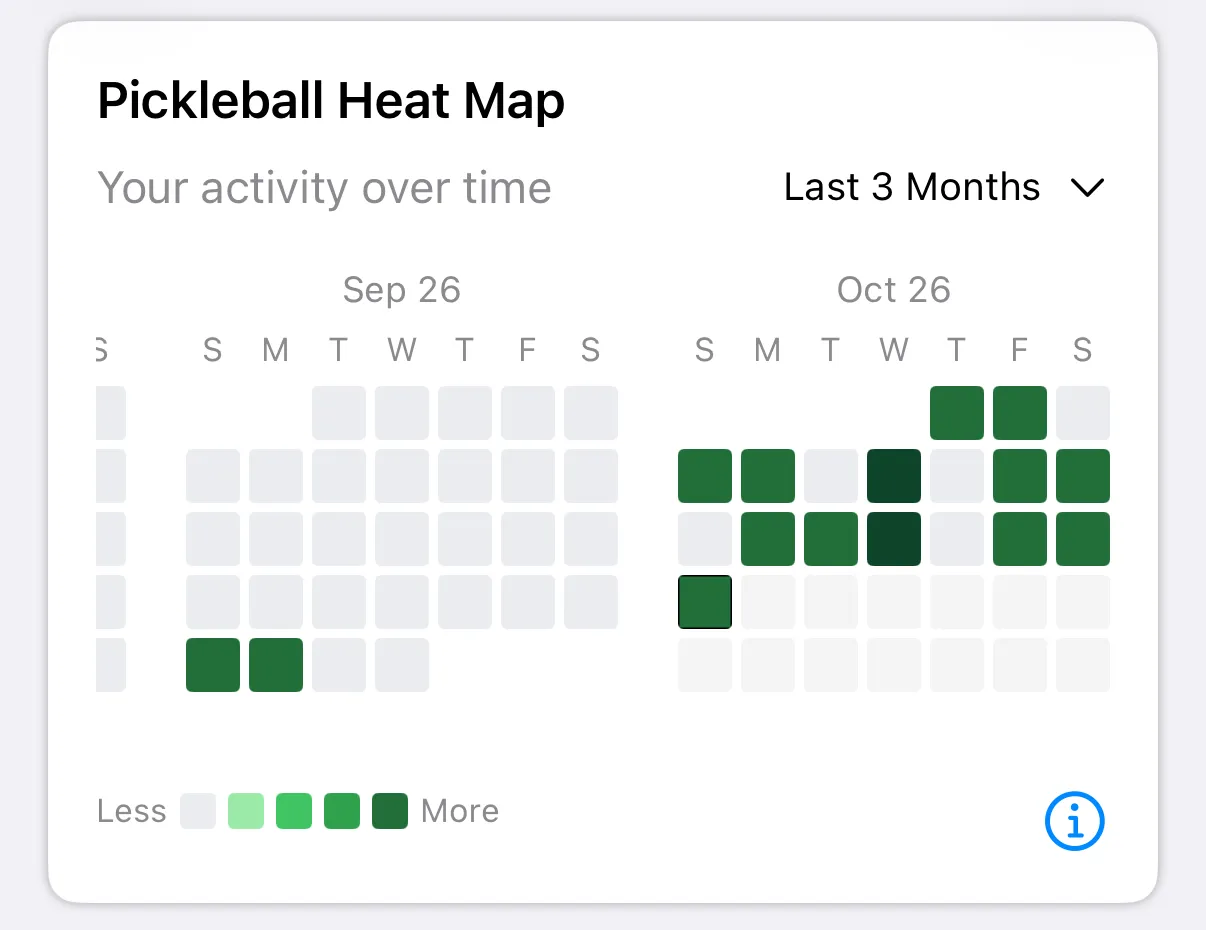
A day with no entry stays empty. A Less to More key sits under the calendar.
How a day gets its color
Section titled “How a day gets its color”The biggest of these wins:
| What you logged | Color |
|---|---|
| Any entry | Light green |
| 1 session tag | Light-medium |
| 2 or more session tags | Medium |
| 1 to 2 games | Light-medium |
| 3 to 5 games | Medium |
| 6 to 9 games | Dark |
| 10 or more games | Darkest |
| Workout under 60 minutes | Light-medium |
| Workout 60 to 120 minutes | Medium |
| Workout 120 to 180 minutes | Dark |
| Workout over 180 minutes | Darkest |
Tags alone never go past medium. Games and workouts can reach the darkest green.
On iPhone, a workout takes priority over games, and games over tags, so a short workout can make a day lighter than its games would. On Android, the biggest one always wins.