
Add tags
Label a session with tags like drilling or tournament so you can find it later.
Tags describe a session. You can filter your Journal by them later with Find entries.
Tag a session
Section titled “Tag a session”-
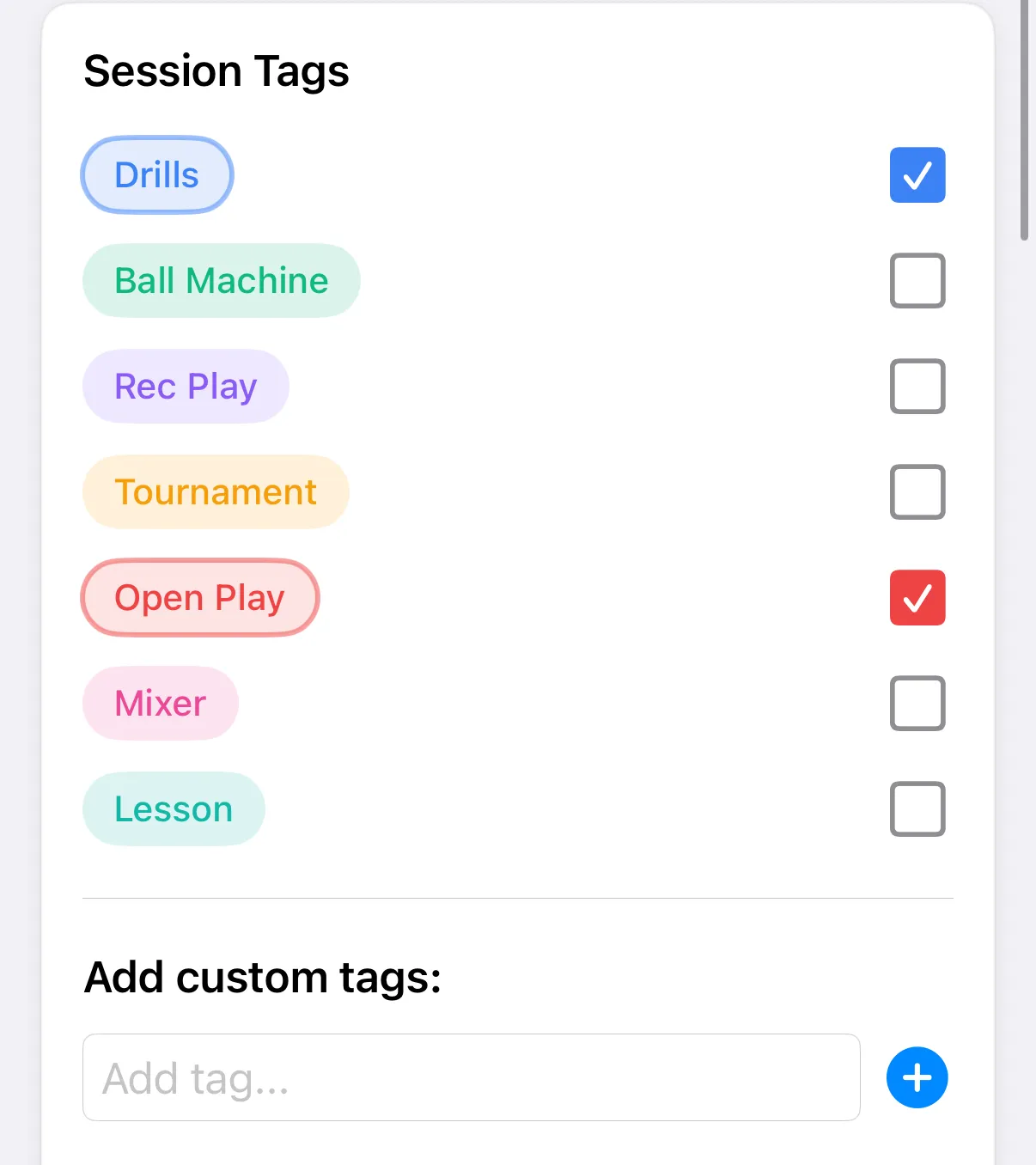
In your entry, scroll to Session Tags.
-
Tick the tags that fit.
-
To make a new tag, type it under Add custom tags: in the Add tag… field and tap the + button.
-
Tap Save (✓ on iPhone).
Tags you’ve used before show under Recently used:. Tap one to add it. As you type, matching tags are suggested with how many times you’ve used each.
An entry can have up to 10 tags. The count shows under Selected tags:.
If you see No quick access tags set, choose which tags appear here in Manage tags.
If a tag name is already taken, the app tells you it may be hidden. Check your tag settings.
Your default tags are listed first, each with a checkbox. The count of chosen tags shows under Selected tags:.