
Track games
Record games played and won in a session, or add scores, partners, and opponents for each game.
You can keep a simple count of games played and won, or turn on game details to record each game on its own. Your win rate is built from this.
Count games played and won
Section titled “Count games played and won”-
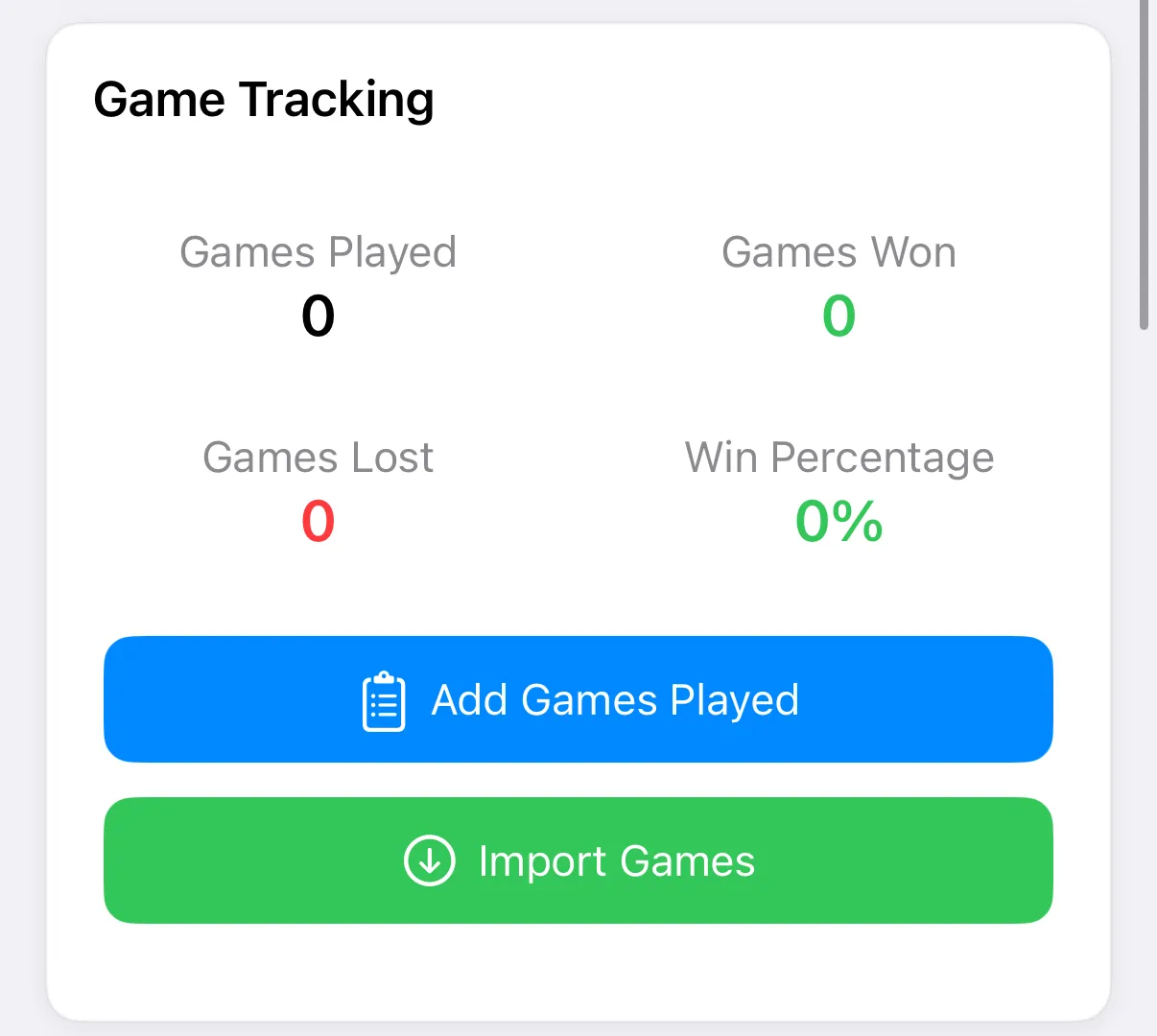
In your entry, find Game Tracking and tap Add Games Played. On an entry you’re editing, it reads Edit Games Played.
-
Under Games and Statistics, tap + under Played for each game, and under Won for each win.
-
Add anything worth remembering under Game Notes.
-
Tap Save (✓ on iPhone).
Lost games and win percentage fill in on their own.
Record each game
Section titled “Record each game”Turn on Game Details to enter every game separately. The Played and Won counters are then worked out from your games.
-
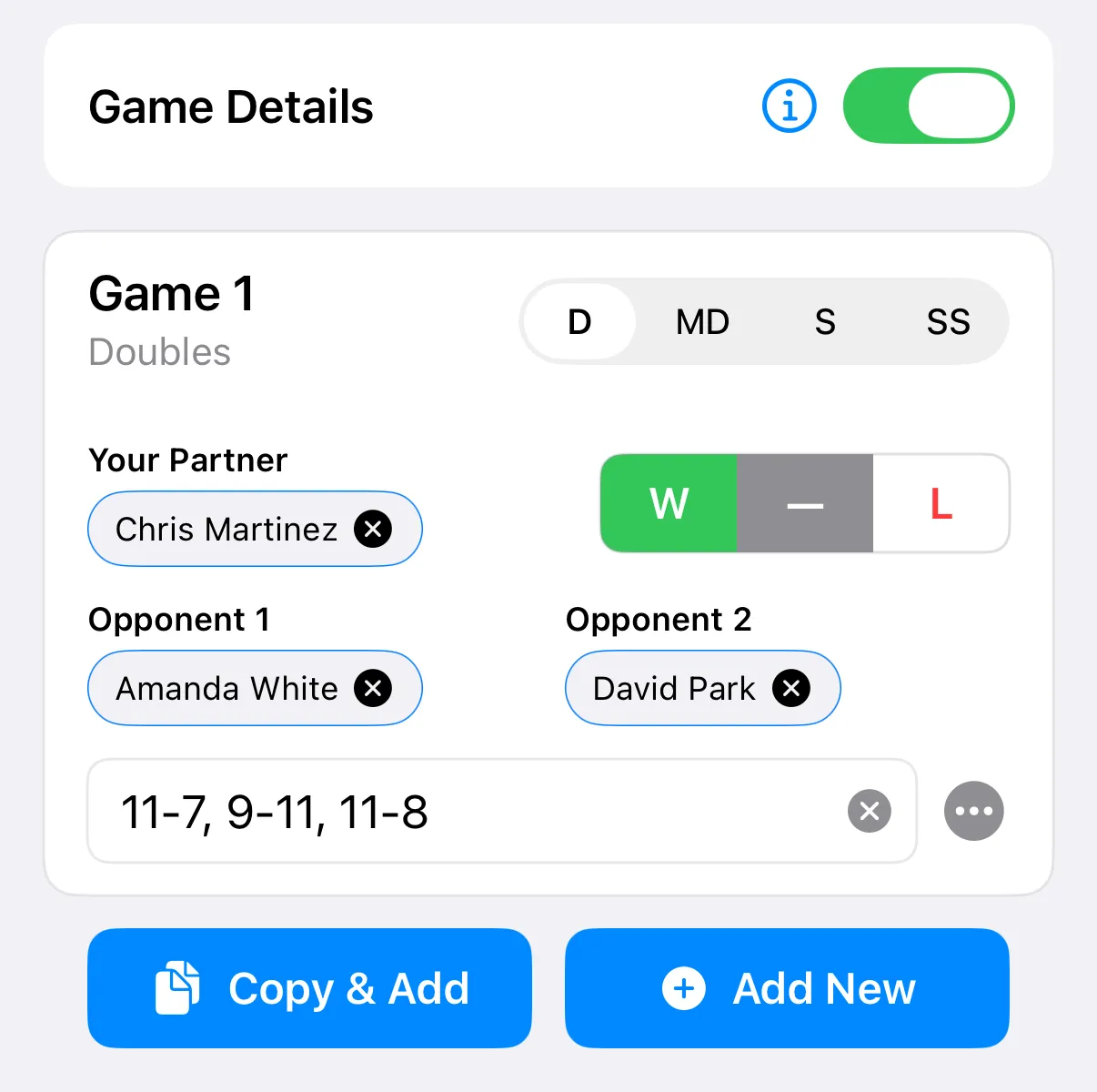
In Add Games Played, switch on Game Details.
-
Fill in the first game. Choose a format with the buttons at the top: D for doubles, MD for mixed doubles, S for singles, or SS for skinny singles.
-
Enter Your Partner and the opponents. Under Score, type something like
11-9, 5-11. -
Mark the game W or L.
-
Tap Copy & Add to add another game that starts with the same details, or Add New for a blank one.
-
Tap Save.
You can add up to 20 games to one entry.
- Tap the three-dot button on a game to pick the paddle you used for it, or to choose Delete Game. Games start with the paddle you chose under Equipment.
- If your score points to a different result than the W or L you chose, the app asks whether to Keep Manual Win/Loss or Use Score Result.
- Games from your Apple Watch appear under Watch Games, where you can switch them on or off for this entry. See Apple Watch.
Tap the three-dot button on a game to pick a paddle or delete the game. Save works once at least one game is played.
Import games
Section titled “Import games”Tap Import Games, then From Dink+. See Connect Dink+.
Tap Import Games and connect your Dink+ account. See Connect Dink+.