
Check your win rate
See how often you win, and how that changes by game type, tag, partner, opponent and equipment.
Win Rate turns the games you tracked into trends and comparisons.
You need tracked games first. See Track games.
Open Win Rate
Section titled “Open Win Rate”-
Open the menu (☰), then Analytics.
-
Tap the Win Rate tab.
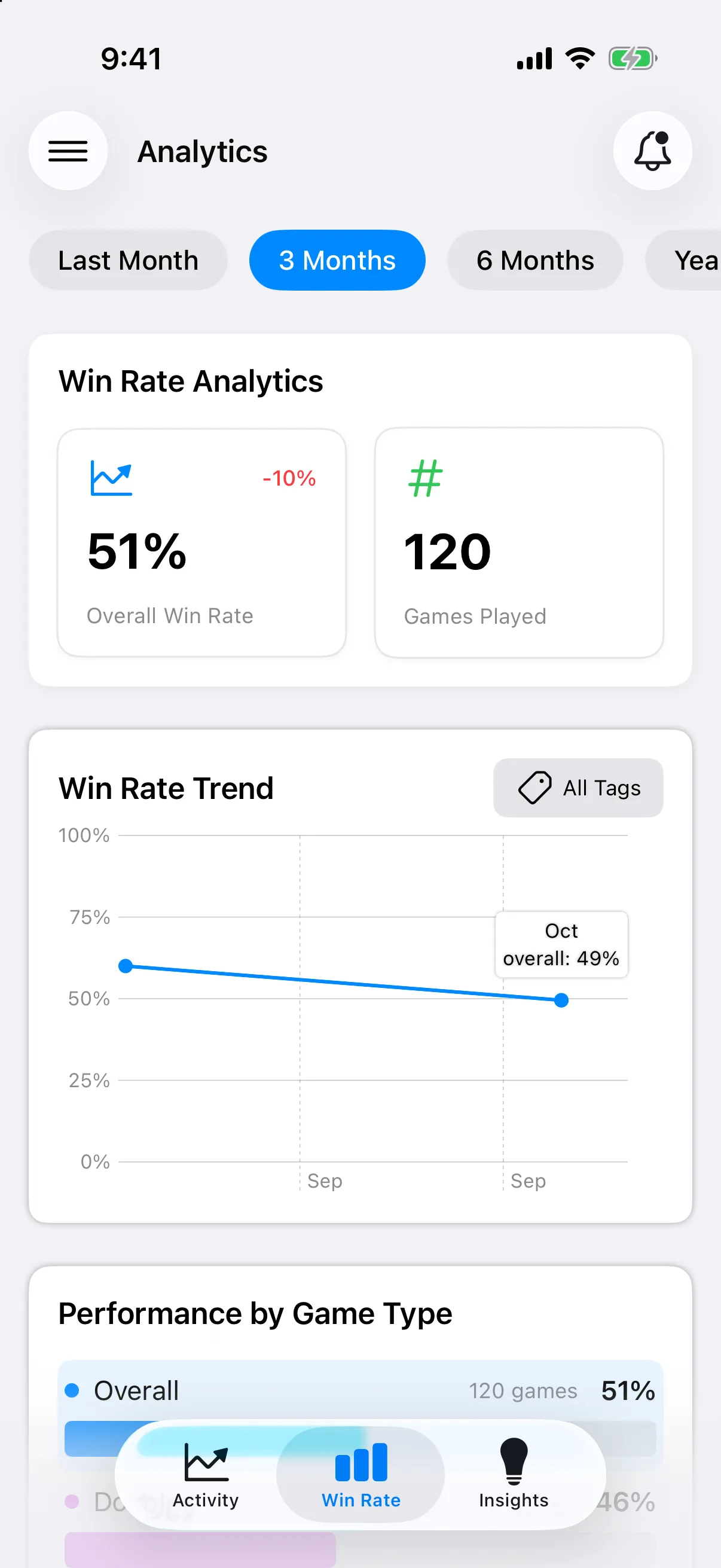
What you will see
Section titled “What you will see”- Time chips across the top: Last Month, 3 Months, 6 Months, Year to Date, Last Year and All Time.
- Overall Win Rate and Games Played for that period. On Android the first card reads Win Rate.
- Win Rate Trend, a line by month. On iPhone, use the tag button above it to show one tag, or choose All Tags. On Android, tap a game type under Performance by Game Type to show just that type.
- Performance by Game Type, for example singles and doubles.
- Performance by Tag. Tap the gear to choose which tags appear.
- Partner Performance, Opponent Performance and Equipment Performance. Tap See All for the full list.
Until you have games, each section says so, for example No Games Yet (No Games Found on Android) or No Partners Yet.