
Add people
Note who you played with or met at the court.
Add the people you played with or met so you can look back at who was on the court.
-
In your entry, scroll to People Met.
-
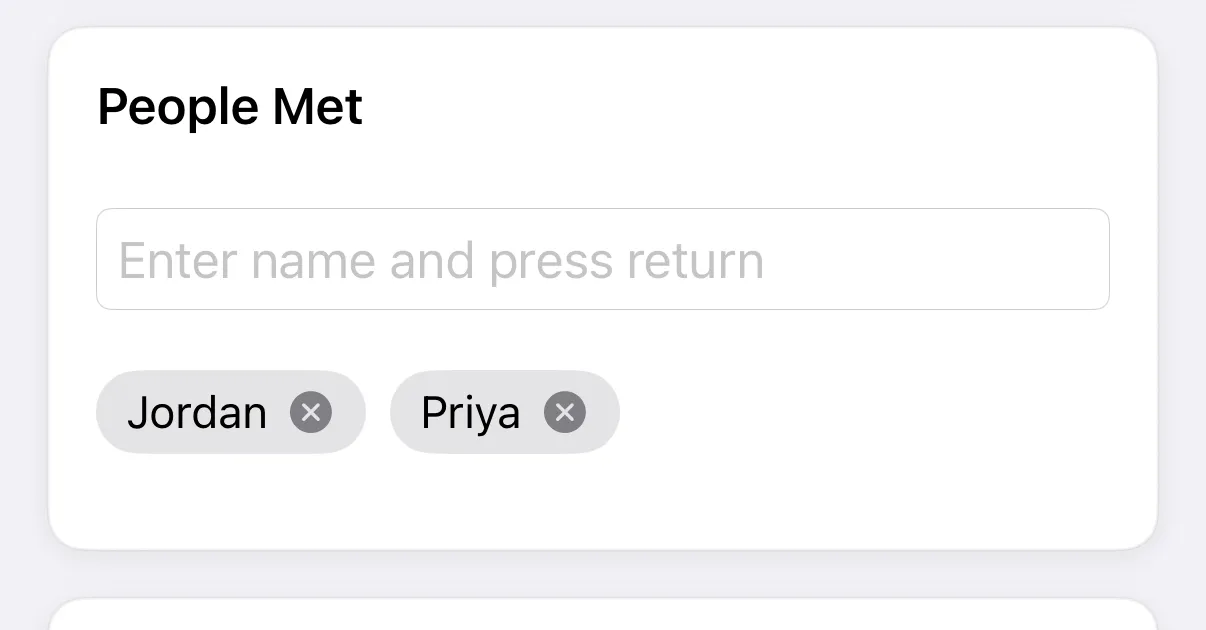
Type a name in Enter name and press return and press return.
-
Repeat for everyone else, then tap Save (✓ on iPhone).
Each name appears as a chip. Tap the x on a chip to remove it. Adding the same name twice does nothing.
-
In your entry, scroll to People Met.
-
Tap the + button.
-
Search under Search or add people met. Tap a name from Recent, or tap Add with the name you typed to create a new person.

-
Tap Done, then Save on the entry.
Tap a name on the entry to remove it.
Partners and opponents you enter for a game are set separately in Track games. To rename or clean up names, see Manage people.