
Use drafts
Leave a new entry unfinished and come back to it, without losing what you wrote.
On iPhone, a new journal entry is saved as a draft while you write. Close the app, switch away, or leave the screen, and your work is still there.
Leave an entry for later
Section titled “Leave an entry for later”-
On a new entry you’ve started, tap the X at the top left.
-
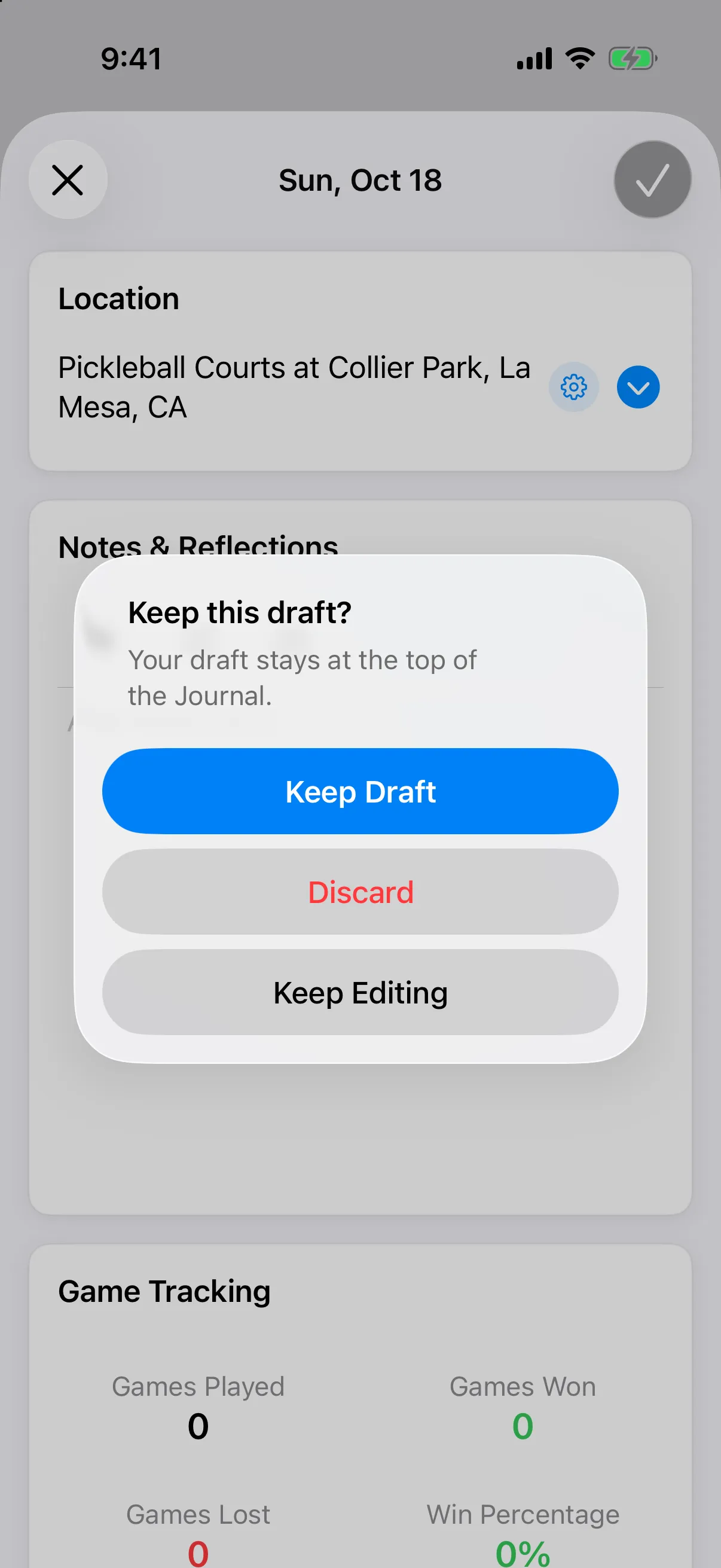
When the app asks Keep this draft?, tap Keep Draft.
Your draft appears at the top of the Journal with a Draft label, your location, and the first line of your notes.
Pick it back up
Section titled “Pick it back up”Tap the Draft row. The entry opens as you left it, with notes, games, tags, people, photos, and ratings. Finish it and tap Save. The draft goes away once the entry is saved.
Throw a draft away
Section titled “Throw a draft away”- Swipe the Draft row to the left.
- Tap Discard, then confirm Discard this draft?
You can also tap Discard in the Keep this draft? alert. This can’t be undone.
Good to know
Section titled “Good to know”- You have one draft at a time.
- A draft starts once you add something, such as notes, a location, games, tags, people, photos, or a rating.
- Starting a daily prompt with a draft open asks Continue your draft? See Answer the daily prompt.
- Edits to an entry you already saved are not drafts.