
Connect Dink+
Link your Pickleball Dink+ account so you can import scored games into your journal.
Connect your account once, then bring in scored games instead of typing them. Pickleball Dink+ is the companion app for scoring games as you play.
Connect
Section titled “Connect”-
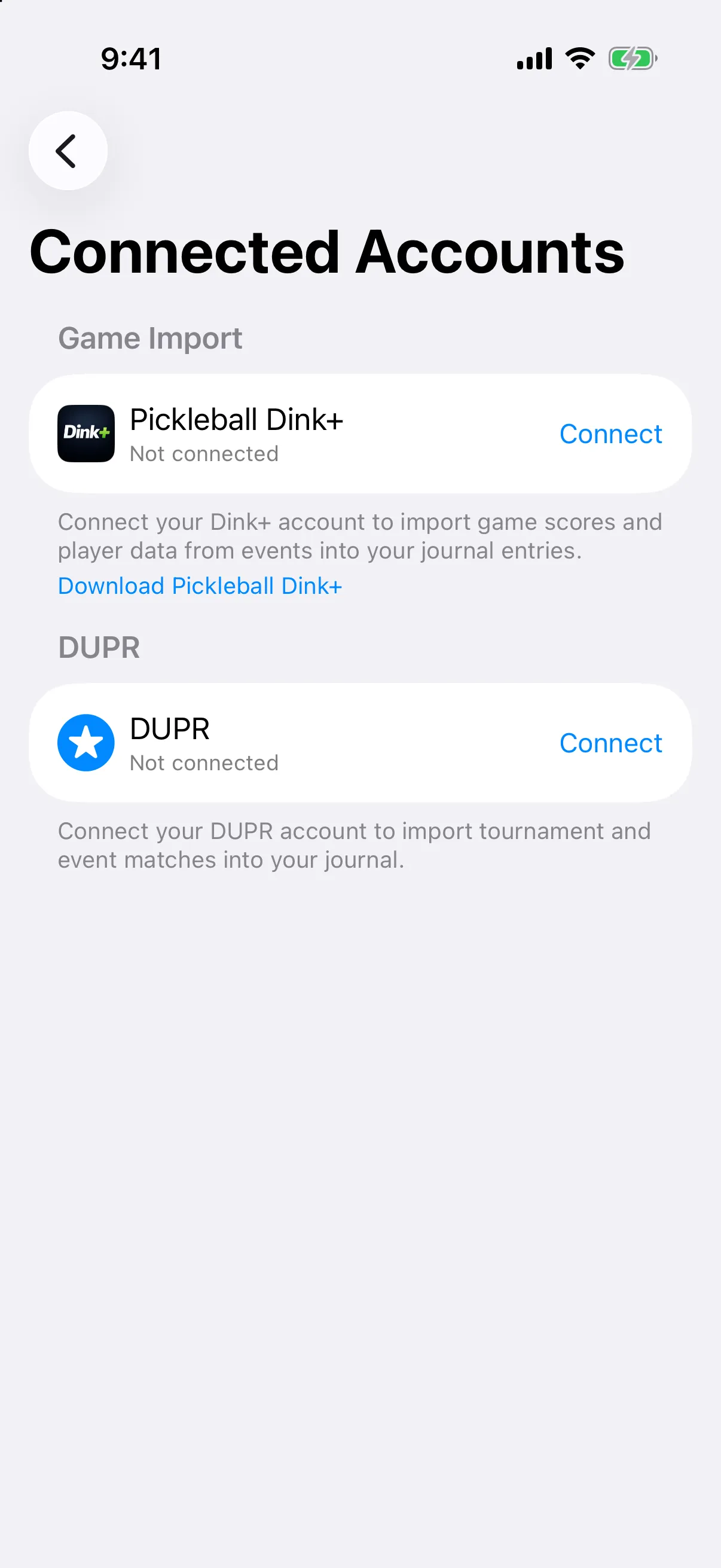
Open the menu and tap Settings, then Connected Accounts.
-
Next to Pickleball Dink+, tap Connect.
-
Sign in with the same account you use in Pickleball Dink+.
Sign in with Apple or Google.
Sign in with Google.
When you are connected, the row shows Connected as and your email.
Import games from an entry
Section titled “Import games from an entry”- Open or start a journal entry and go to its games.
- Tap Import Games.
- On iPhone, choose From Dink+.
- Choose the event, check the games, and import them.
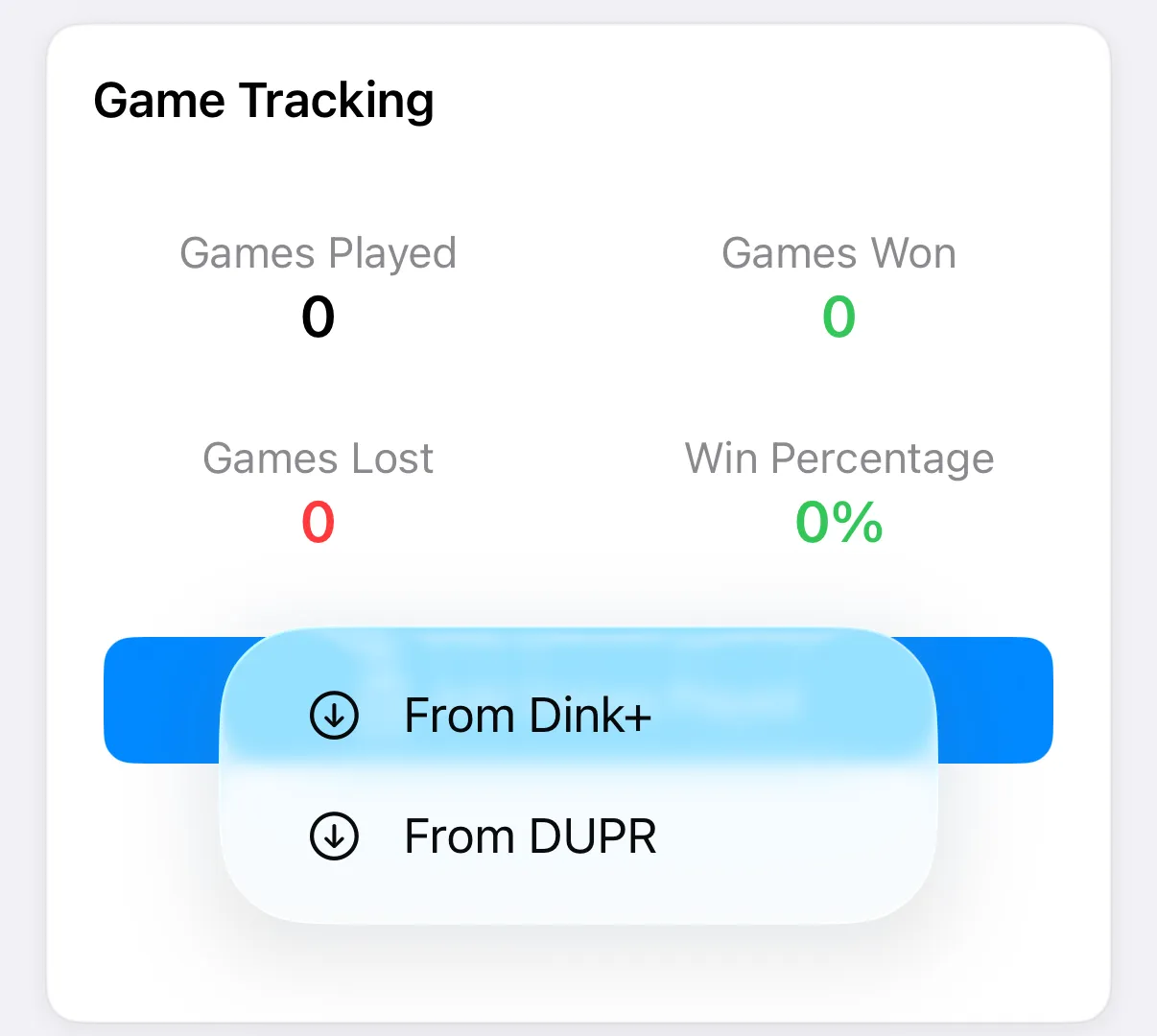
Dink+ shows completed events with scored games from the last 30 days. If more than one person matches a name, you are asked to pick the right one.
Disconnect
Section titled “Disconnect”On Connected Accounts, tap Disconnect next to Pickleball Dink+, then confirm. You will need to sign in again to import.