
Rate effort and session
Score how hard you worked and how good the session was, so you can look back at the pattern.
Two ratings sit in the Ratings section of every journal entry. Both are optional.
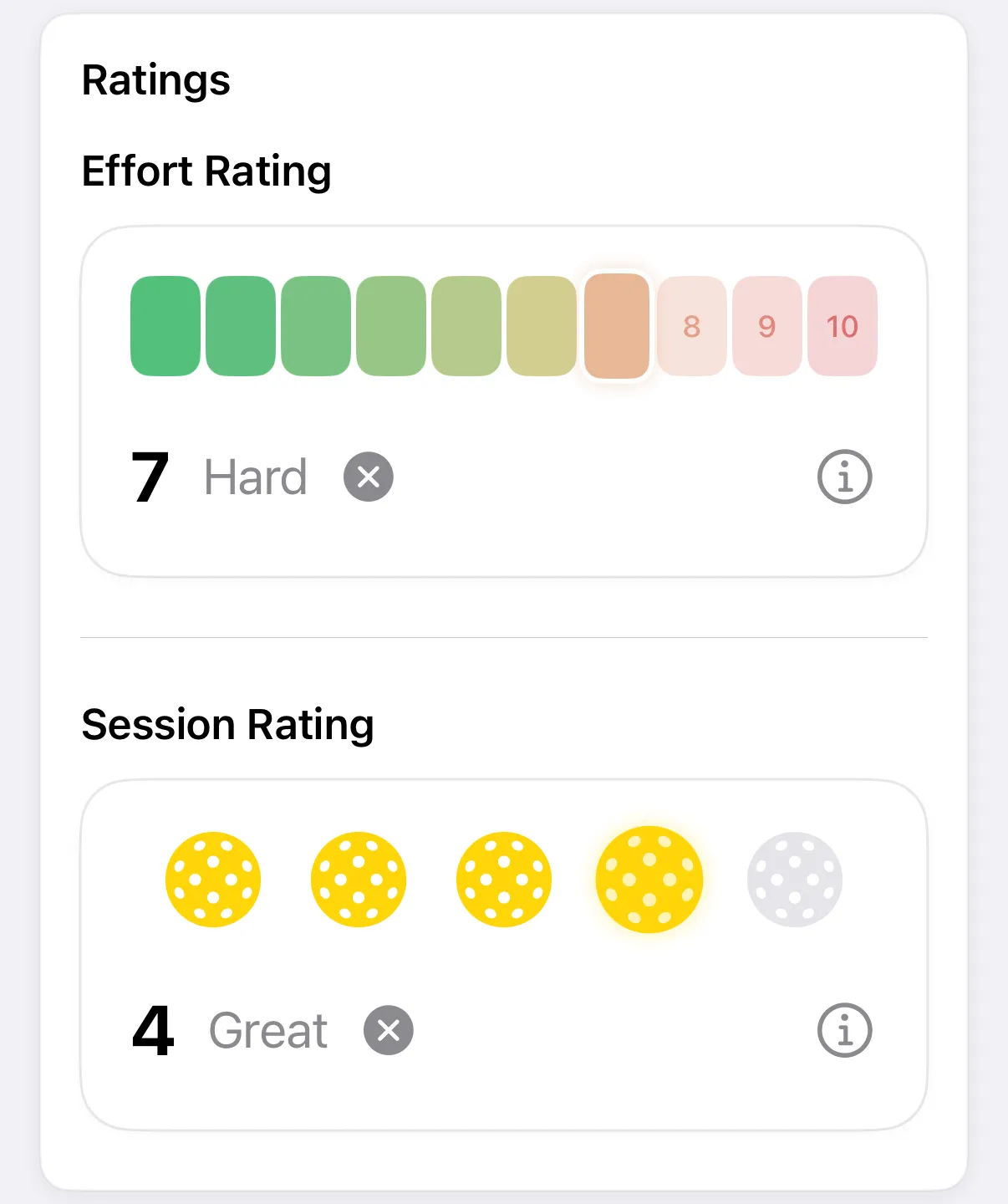
- Effort Rating is how hard you worked, from 1 to 10.
- Session Rating is how enjoyable and satisfying the session was, from 1 to 5.
Rate a session
Section titled “Rate a session”-
In your entry, scroll to Ratings.
-
Under Effort Rating, tap a bar from 1 to 10.
-
Under Session Rating, tap a pickleball from 1 to 5.
-
Tap Save (✓ on iPhone).
The label beside your choice tells you what the number means.
| Effort | Label |
|---|---|
| 1 to 3 | Easy |
| 4 to 6 | Moderate |
| 7 to 8 | Hard |
| 9 to 10 | All Out |
| Session | Label |
|---|---|
| 1 | Poor |
| 2 | Fair on iPhone, Ok on Android |
| 3 | Good |
| 4 | Great |
| 5 | Excellent |
Clear a rating
Section titled “Clear a rating”Tap the X beside the rating. It goes back to No Rating.
Tap the info button on either card for a reminder of what the scale means.