
Add photos and videos
Attach photos and videos from your phone to a journal entry.
Add media
Section titled “Add media”-
In your entry, scroll to Media.
-
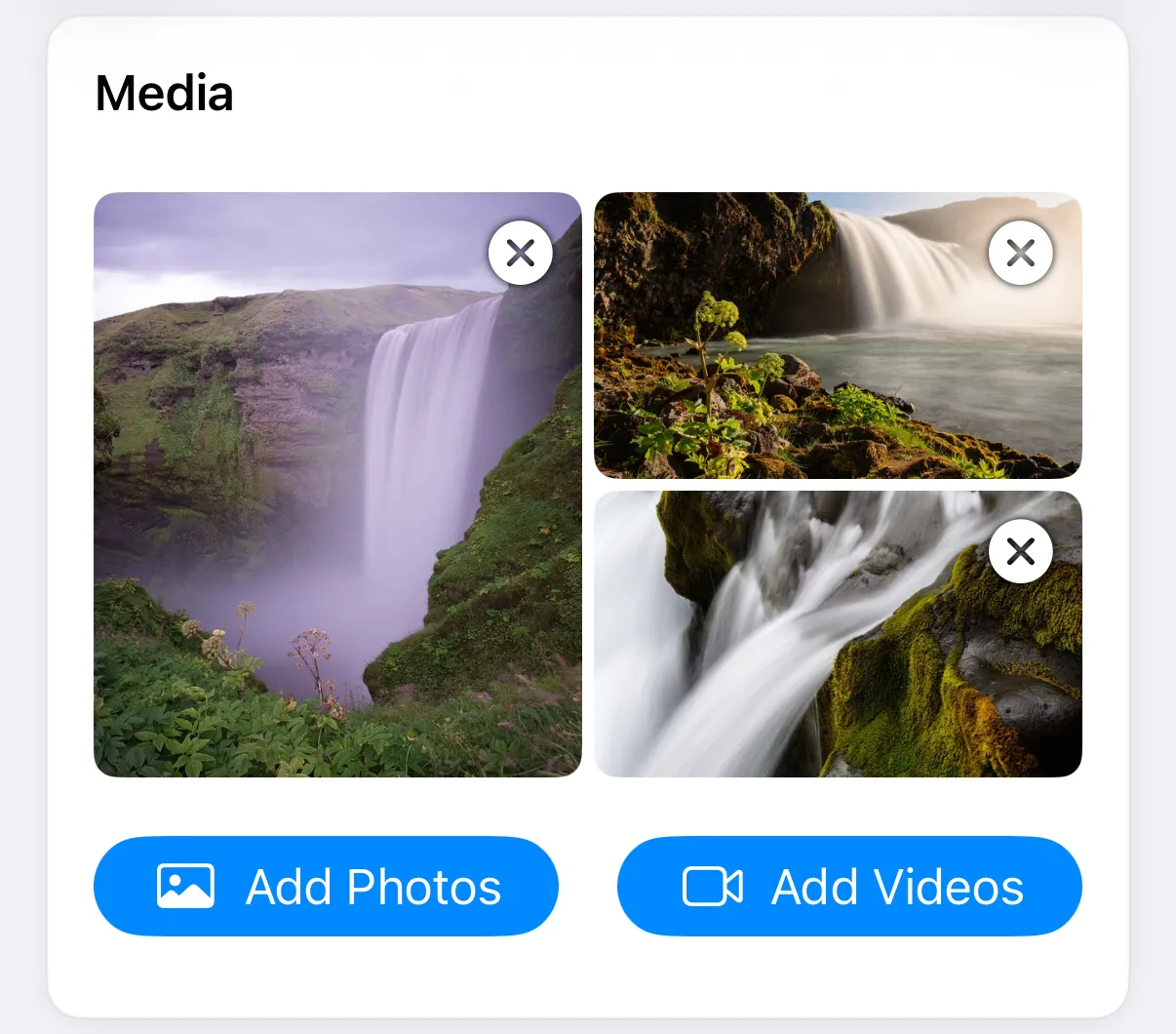
Tap Add Photos or Add Videos.
-
Allow access to your photos if the app asks, then choose what you want.
Choose Add Photos and Add Videos separately. Thumbnails appear in the entry.
Add media
Section titled “Add media”-
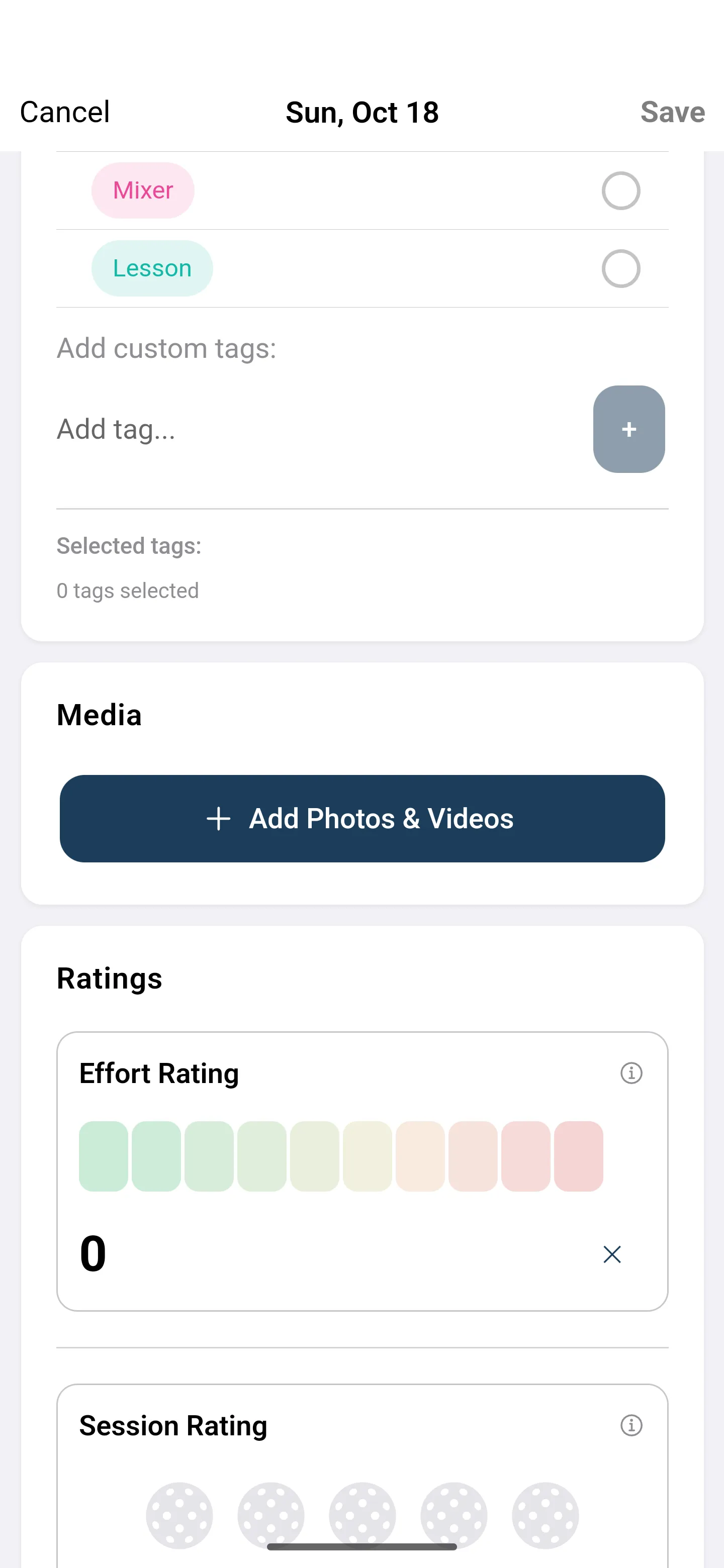
In your entry, scroll to Media.
-
Tap Add Photos & Videos.
-
In the Add Media menu, choose Photos, Videos, or Photos & Videos.
-
Allow access if asked, then choose what you want.
An entry holds up to 20 photos and videos. If a file can’t be found, the thumbnail says Media reference unavailable and offers a retry.
Remove media
Section titled “Remove media”Tap the remove button on a thumbnail while you edit the entry.
Tap a thumbnail on a saved entry to view it full screen.