
Save things to remember and work on
Jot down a tip to remember or a skill to practice, separate from your session entries.
Use these two short entry types for notes that aren’t about one session.
- Things to Remember: “Save important tips and notes”.
- Things to Work On: “Track areas for improvement”.
Add one
Section titled “Add one”-
Tap the + button.
-
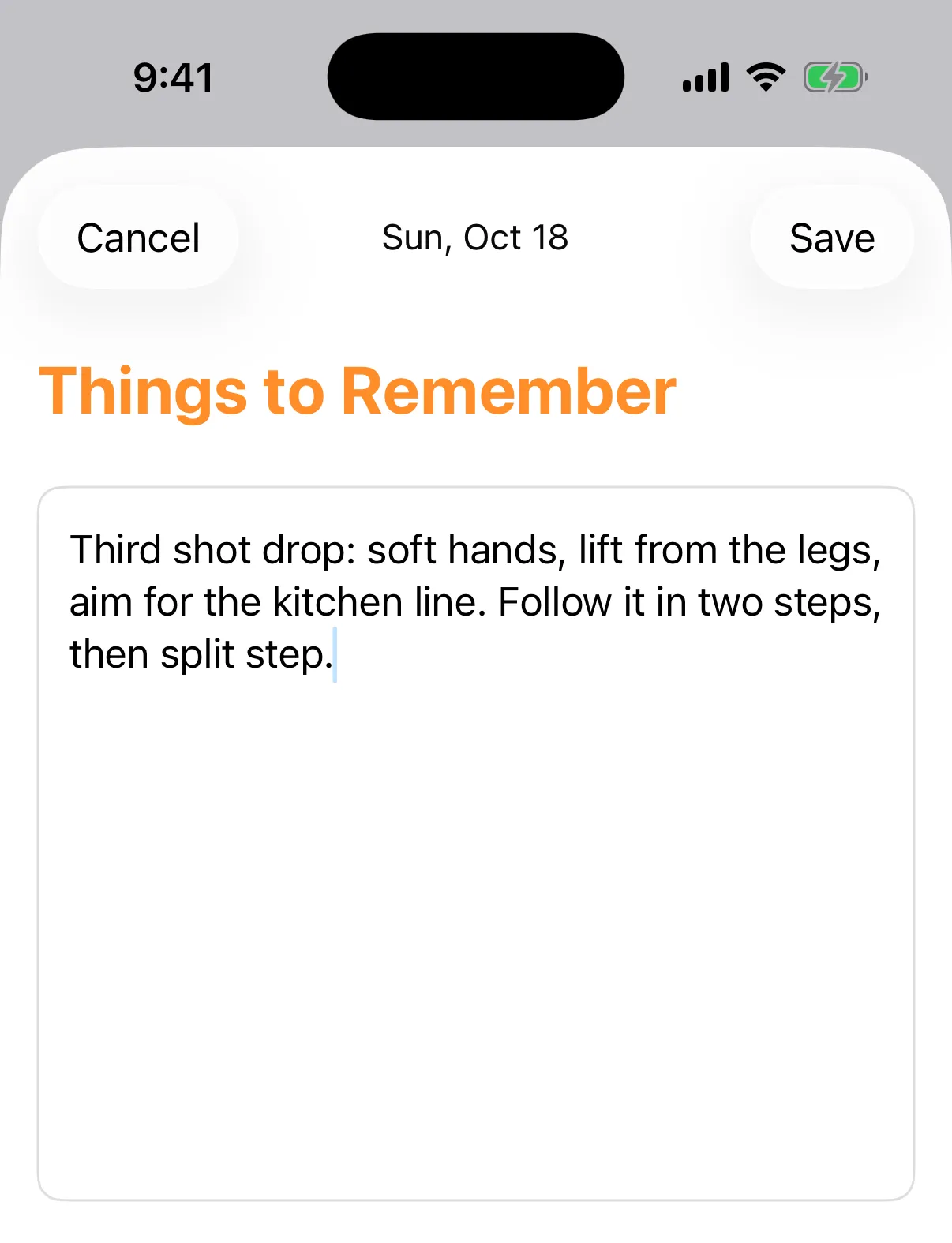
Tap Things to Remember or Things to Work On.
-
Write your note in the box. It reads What do you want to remember? or What do you want to work on?
-
Tap Save.
Tap the date at the top to give the note a different date.
Save stays greyed out until you type something.
These entries show only the date and notes, without the session sections.
They appear in your Journal with your other entries. To change one later, see Edit or delete an entry.