
Write your first entry
Log your first session in a couple of minutes, then see it in your Journal.
An entry is one session in your journal. Start with the notes. You can add everything else now or never.
-
On the Journal screen, tap the + button.
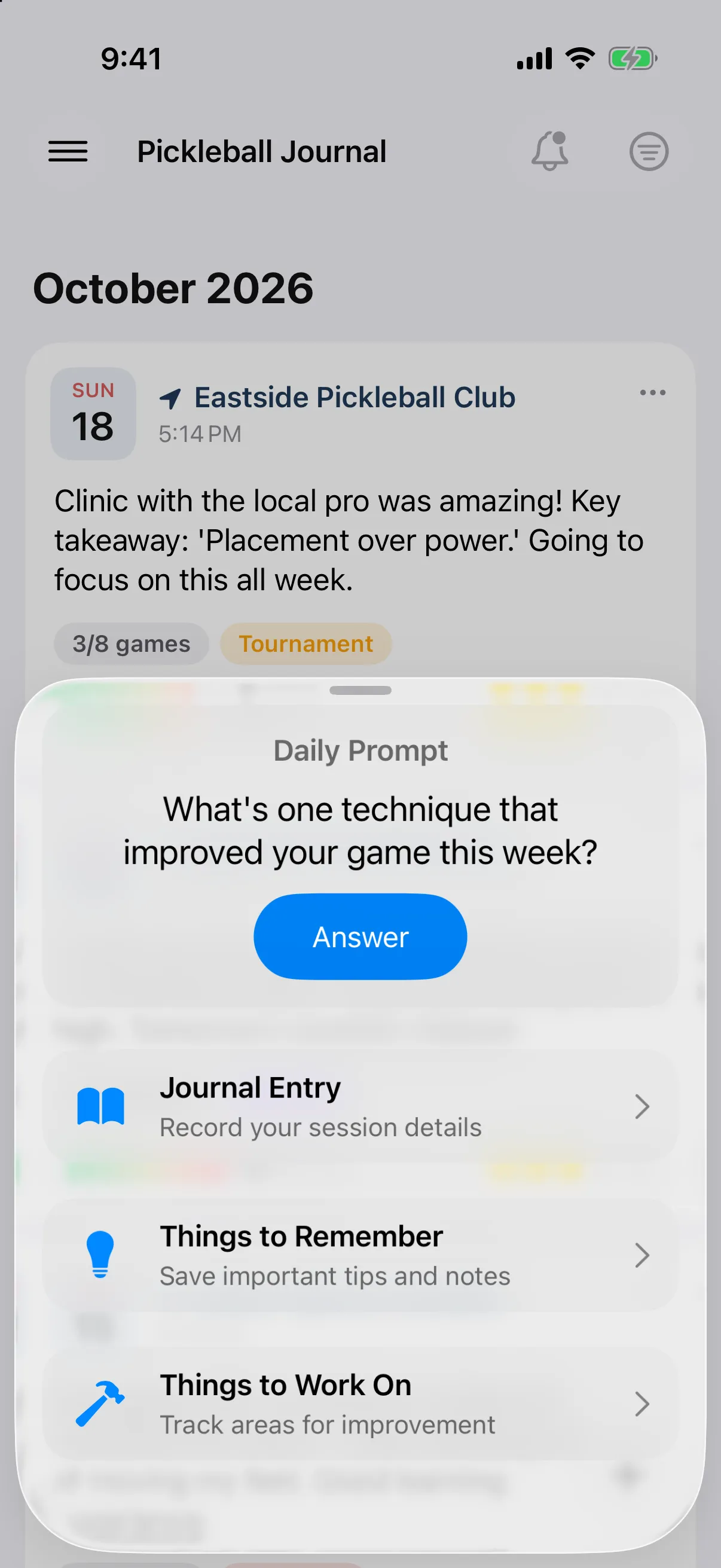
-
Tap Journal Entry.
-
Write about your session under Notes & Reflections.
-
Tap Save (✓ on iPhone).
Save stays greyed out until you type notes. The date at the top of the screen is today. Tap it to change it.
Save is available once you add notes, a location, a game, or a photo or video. The date at the top of the screen is today. Tap it to change it.
Your entry now sits at the top of the Journal.
Add more when you want to
Section titled “Add more when you want to”Each section on the entry screen is optional:
- Add the location, and the weather comes with it on iPhone.
- Track your games.
- Rate your effort and session.
- Add tags and people.
- Add photos and videos.